Volume
Slide the right edge to change volume.
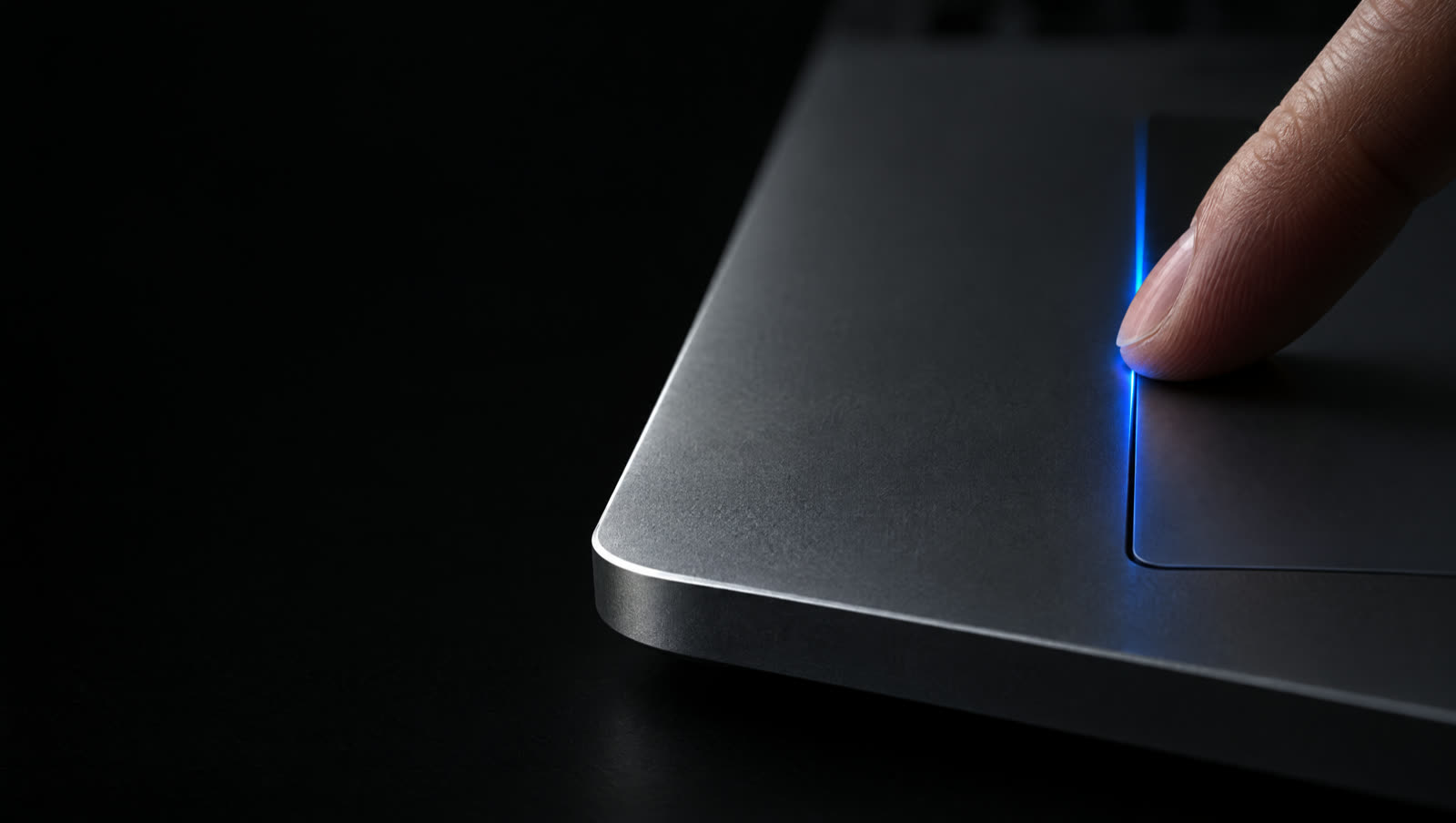
 Slidr for Mac
Slidr
1,000+ downloads A haptic tick on every step macOS 12 or later
Slidr reads one finger on the edge of your trackpad and leaves every other gesture alone.


Right edge · volume
The same volume HUD your keyboard shows, with a haptic tick on every step.
Left edge · brightness
External monitors that support DDC can follow along too.
Slide the right edge to change volume.
Slide the left edge to adjust your display.
Feel a tick through the trackpad on each step.
Use the menu toggle for smaller, exact steps.
Your pointer stays put while you slide.
Only the lower quarter of each edge responds.
Put brightness on the right if you prefer.
A three-finger tap sends a middle click.
Optionally require a chosen key for every gesture.
The familiar volume and brightness overlays.
Top and bottom edges work out of the box. Corner taps are optional and start off. Set everything from the Slidr icon in the menu bar.
Double-tap a corner to mute your Mac.
Double-tap a corner for macOS Screenshot (⌘⇧5).
Set the bottom edge to Media, then tap to play or pause.
With Media selected, slide the bottom edge to skip tracks.
Slide the top edge through your open apps.
Set the top edge to Scrub Video, then slide through a video.
Slide the bottom edge to change keyboard brightness.
Choose top and bottom edge actions independently, or set either to Off.
Pause Slidr in the apps you choose.
Optionally require a chosen key for every gesture.
Choose Narrow, Standard or Wide for your gesture edges.
Resting your palm leaves your levels alone.
Three steps, then it's just your finger and the edge.
Download Slidr and drag it to your Applications folder. Launch it from there.
Allow Accessibility access in System Settings so Slidr can read trackpad gestures.
Slide along the right edge for volume and the left edge for brightness. Up to increase, down to decrease.
Set up right-edge volume gestures, find tips and check Accessibility permission.
Adjust your built-in display and learn about external monitor brightness via DDC.
Check compatibility and get started with a Magic Trackpad on your Mac.

No payment and no account. Then $4.99 once to keep it. One licence covers up to 3 Macs.
Free trial
3 days, nothing to pay
macOS 12+
Trial expired?
One-time purchase. Free updates.